macOS 26 Tahoe: A Complete Guide to Apple’s Latest Desktop Revolution
4 min read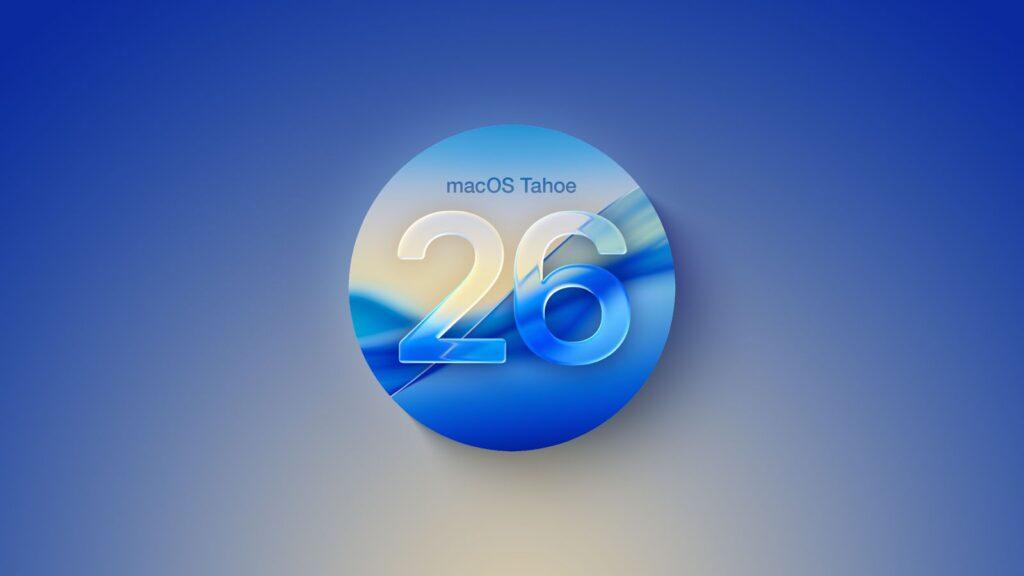
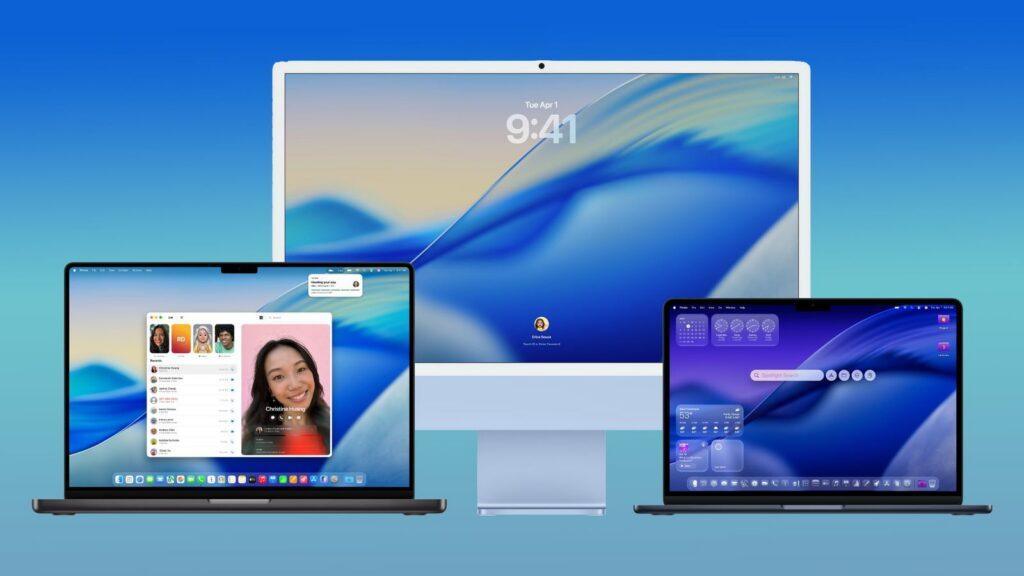
Apple has officially unveiled macOS 26 Tahoe at WWDC 2025, marking a significant evolution in the company’s desktop operating system. Named after the iconic California lake and ski destination, Tahoe represents Apple’s commitment to bringing cutting-edge design and functionality to Mac users worldwide.
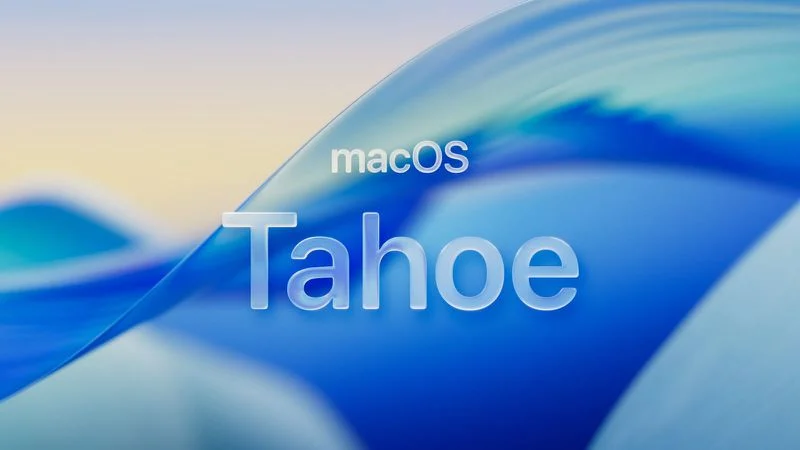
The New Design Language: Liquid Glass
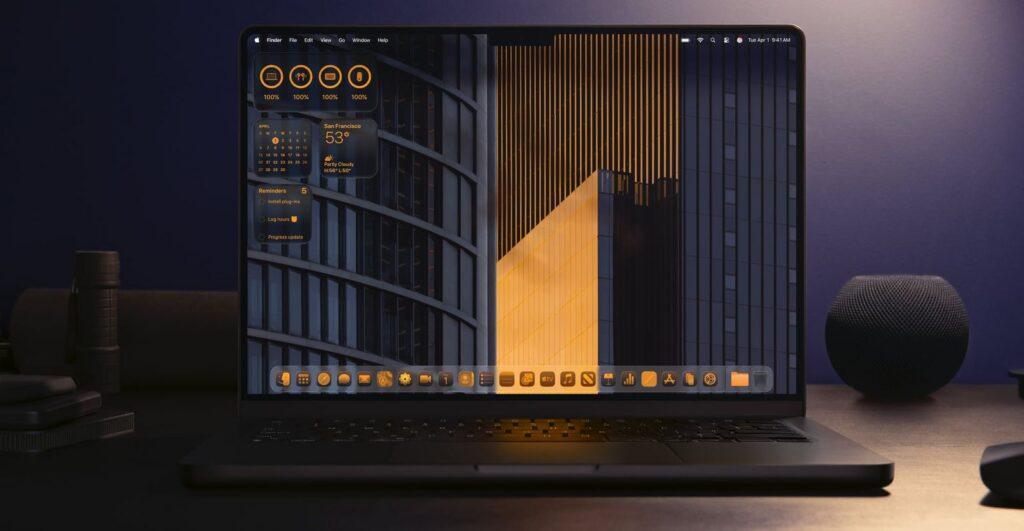
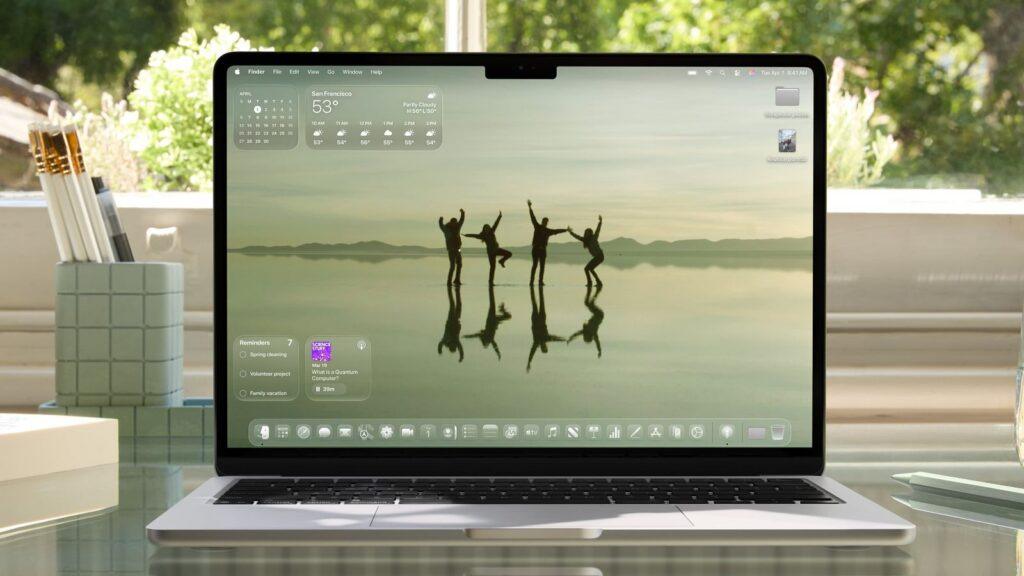
The most striking change in macOS Tahoe is the introduction of Apple’s revolutionary Liquid Glass material design. This translucent interface behaves like real glass, dynamically reflecting light and colors from the background. The effect extends throughout the entire system, transforming:
- Desktop icons and folders
- The Dock and menu bar
- In-app navigation elements
- Toolbars and Control Center
- System menus
The translucent menu bar creates an illusion of a larger display by revealing more of your desktop wallpaper, while maintaining full functionality and readability.
Enhanced Customization Options
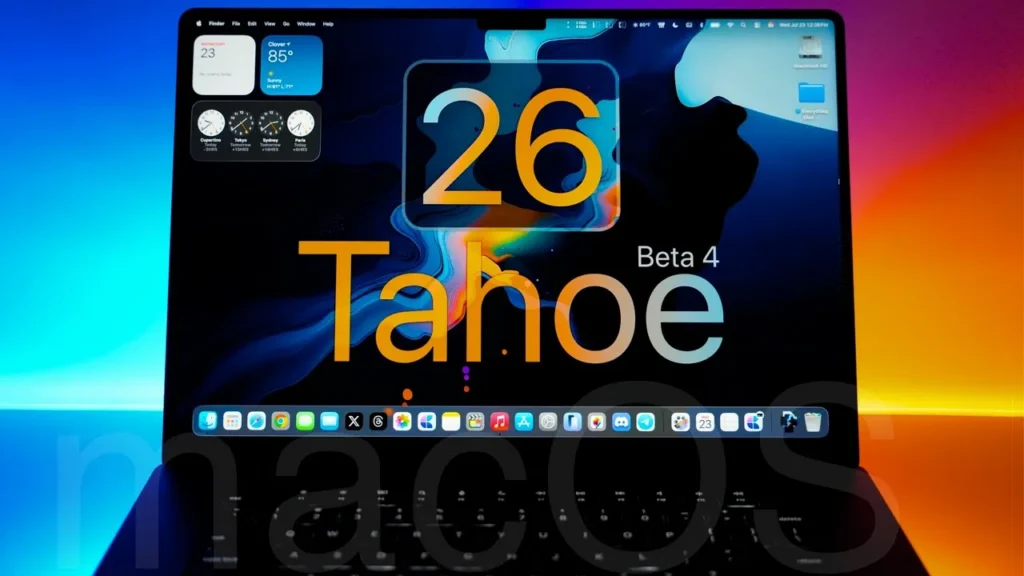
macOS Tahoe puts personalization at the forefront with extensive customization features:
Control Center & Menu Bar
Both the Control Center and menu bar are now fully customizable. Users can adjust layouts, choose which apps and controls appear, and create a personalized workspace that matches their workflow.
Visual Customization
- Folder Colors: Assign custom colors and emoji characters to folders for instant recognition
- App Icon Tints: Support for both light and dark tints with the same clear aesthetic found in iOS
- Collection Tiles: Customize sizes in the Photos app for better organization
Safari Gets a Major Overhaul
Apple’s web browser receives significant improvements in macOS Tahoe:
- New Tab Design: Rounded, floating tabs in the toolbar for a modern look
- Redesigned Sidebar: Easier access to saved content including iCloud Tabs
- Performance Boost: 50% faster loading times for frequently visited websites compared to Chrome
- Enhanced Security: Advanced fingerprinting protection enabled by default across all browsing
Revolutionary App Updates
Photos App Transformation
The Photos app adopts the Liquid Glass design with an iPad-style sidebar. New features include Pinned Collections, improved filtering and sorting options, and customizable collection tile sizes for better workflow efficiency.
Mac Gets Phone App
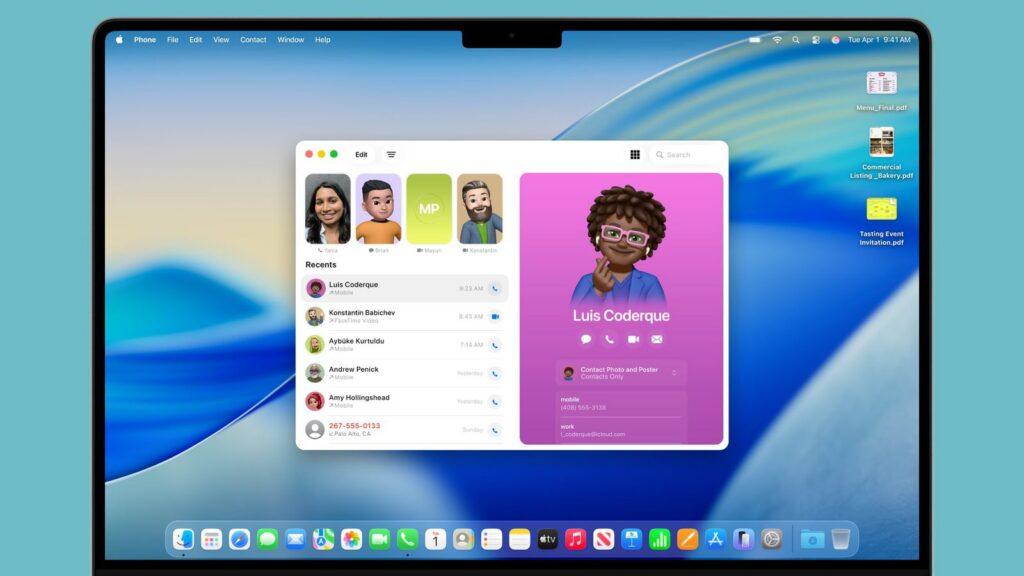
For the first time, Mac users can make phone calls directly from their desktop through Wi-Fi calling and iPhone connectivity. The Phone app includes:
- Call Screening: Asks callers for their name and reason before you decide to answer
- Hold Assist: Stays on hold for you and alerts when a live agent is available
- Full support for Recents, Contacts, and Voicemail
Spotlight Search Revolution
Spotlight has been completely reimagined as a powerful action center:
- Execute hundreds of actions without opening apps
- Send emails, create notes, play podcasts, and make calls
- Search across Mac and iPhone apps simultaneously
- Browse clipboard history with copy-paste tracking
- Personalized action suggestions based on usage patterns
- Quick keys for launching actions with short character strings
Apple Intelligence Integration
macOS Tahoe deeply integrates Apple Intelligence throughout the system:
Enhanced Shortcuts
- Automated complex tasks using AI
- Integration with Writing Tools and Image Playground
- Support for ChatGPT models for more robust automation
- Automatic execution based on time or system actions
Smart Reminders
Apple Intelligence reviews emails, websites, and notes to automatically identify and categorize action items, making task management more intuitive than ever.
Advanced Creative Tools
- Image Playground: Additional art styles powered by ChatGPT
- Enhanced Genmoji: Combine multiple emoji or modify existing ones as starting points
Communication & Productivity Enhancements
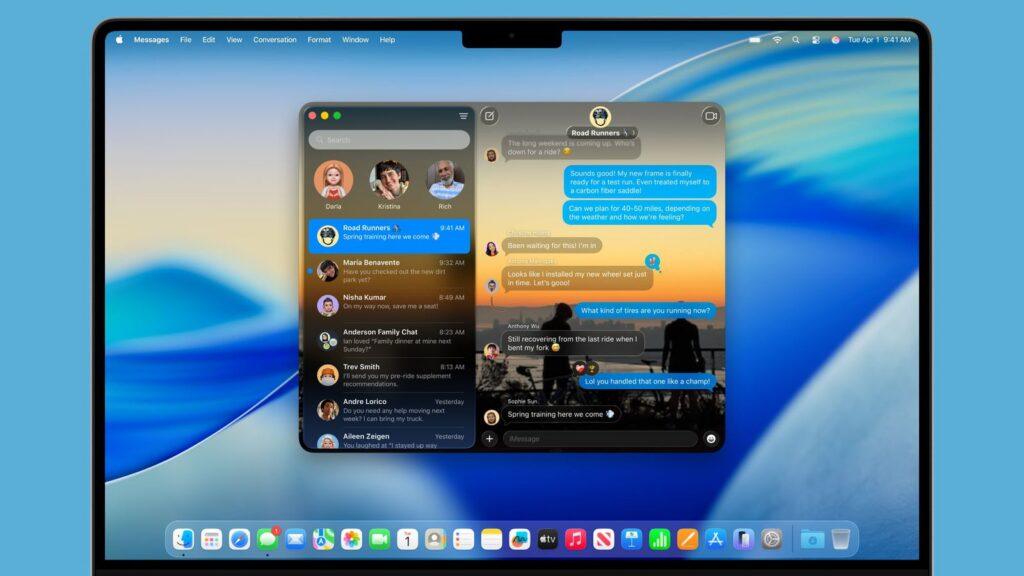
Messages App Updates
- Live Translation for real-time conversation translation
- Polling options for group decisions
- Customizable conversation backgrounds
- Natural language search capabilities
- Apple Cash payments in group texts
Journal App for Mac
The popular Journal app makes its Mac debut with full synchronization across iPhone, iPad, and Mac. Features include map-based entry viewing and seamless cross-device functionality.
Gaming Revolution
The new dedicated Games app provides centralized access to Mac App Store and Apple Arcade titles. The Game Overlay feature allows system adjustments, friend chat, and game invitations without leaving your game. A new Low Power Mode maximizes battery life during gaming sessions.
Accessibility Innovations

macOS Tahoe introduces groundbreaking accessibility features:
Magnifier on Mac
Uses iPhone camera integration through Continuity Camera for advanced magnification with multiple live session windows, customizable brightness, and color filters.
Vehicle Motion Cues
Reduces motion sickness when using Mac in moving vehicles by displaying movement-matching dots on screen edges.
Braille Access
Transforms Mac into a comprehensive braille note-taking device with system-wide braille input support and integrated Live Captions.
Accessibility Reader
A system-wide reading mode with extensive text customization options for users with various disabilities.
System Requirements & Compatibility
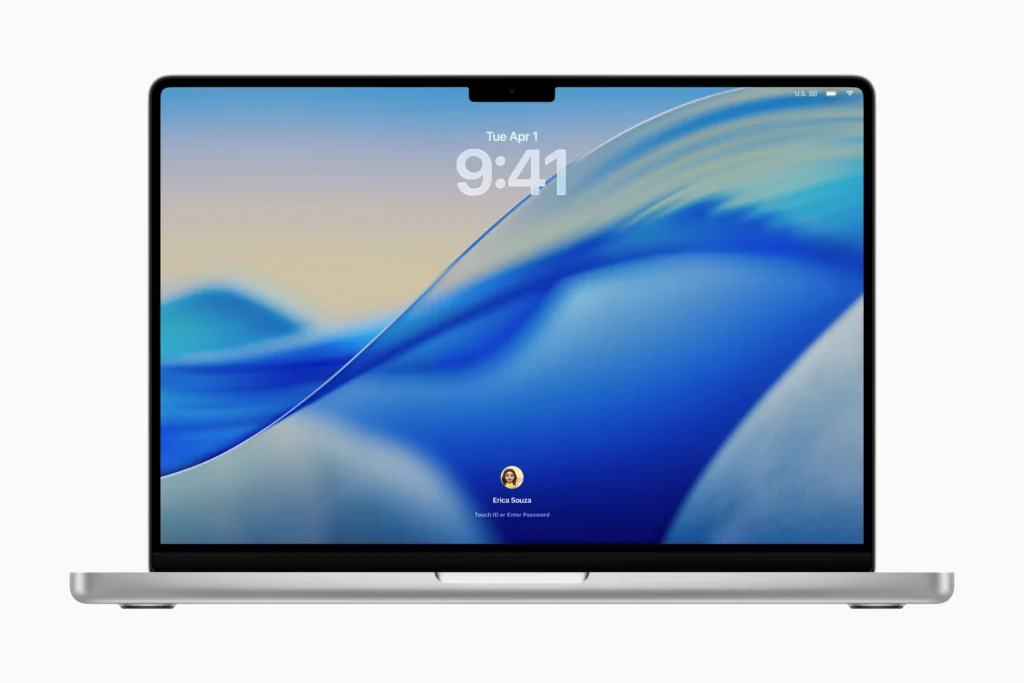
macOS Tahoe may drop support for some older Intel-based Macs. Expected compatible devices include:
- MacBook Pro (2019 and later)
- iMac (2020 and later)
- Mac Pro (2019 and later)
- Mac mini (M1 and later)
- Mac Studio (all models)
- MacBook Air (M1 and later)
Release Timeline
- Developer Beta: Available now
- Public Beta: Coming July 2025
- Official Release: Fall 2025 alongside iOS 26 and new iPhones
The Bottom Line
macOS 26 Tahoe represents Apple’s most ambitious desktop update in years. The Liquid Glass design language creates a cohesive, modern aesthetic while new features like the Phone app, enhanced Spotlight, and deep Apple Intelligence integration transform how users interact with their Macs. With improved performance, enhanced security, and groundbreaking accessibility features, Tahoe sets a new standard for desktop operating systems.
Whether you’re a creative professional, business user, or casual Mac enthusiast, macOS Tahoe promises to elevate your computing experience with its perfect blend of beautiful design and powerful functionality.
About The Author